Hot on Lobbies




Lobbies v1.5.6 · Changelog · Made by a gamer for gamers
Lobbies v1.5.6 · Changelog · Made by a gamer for gamers

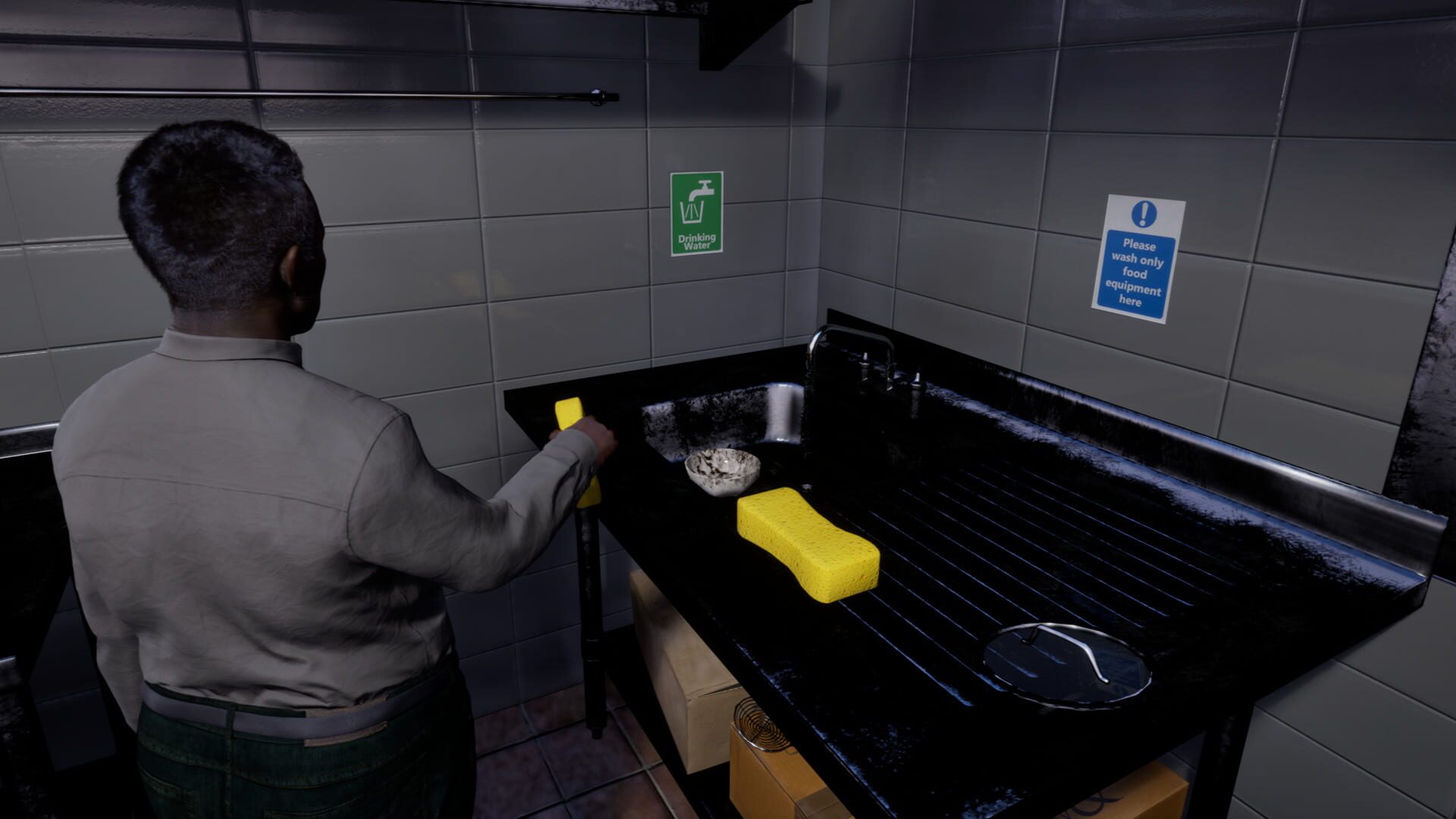
Welcome to Star Chef Simulator, where your dream of running your own restaurant is about to become a reality! Immerse yourself in the exciting world of culinary entrepreneurship as you build and manage your restaurant from the ground up. Unleash your inner chef and dive in the art of cooking with more than 10 delicious dishes from around the world. Cook with a variety of different ingredients, techniques and recipes to create culinary masterpieces that will delight your customers. Use various kitchen appliances such as the deep fryer, oven, stove or mixer and create unique dishes! Hire, train, and manage your employees to keep your restaurant running smoothly. Build a strong team to handle the hustle and bustle of a busy kitchen. Customize your restaurant, from the walls to the floors, from the decor to the equipment. Create a unique dining experience and watch customers flock to your establishment. Keep an eye on your finances as you make decisions to grow your business. Manage employee costs and invest in upgrades to attract more customers and increase profits. Provide top-notch service to your guests to earn rave reviews. Listen to feedback and strive to deliver a memorable dining experience that keeps guests coming back for more. Are you ready to take the helm of your own restaurant and become the ultimate culinary star chef? The world of gastronomy awaits you!
Steam · 13 reviews · 62% positive
The Star Chef Simulator Lobby
Star Chef Simulator | Update v1.2.1
Update v1.2.1 is now available! We've fixed a few issues discovered with the latest update.Investigating:Instant drag with gamepad still not workingThreshold für gamepad buttons not working properlyUsing inventories with gamepad not working properlyBug Fixes:Settings buttons are now correctly locke…
Star Chef Simulator | Update v1.2.0
Update v1.2.0 is now available! This is our second larger patch since the full release, including new features requested by the community!Gamepad supportWe've added gamepad support for XBOX, PlayStation, SteamDeck and Switch controllers. You can customize their keybindings in the settings.UI naviga…
Steam Deck Support
UI navigation / controlsWhile there is no full support for the gamepad itself, you can navigate through UI using the trackpad or touch input. Make sure the official Steam Deck layout by Division Software is selected in the Steam Input settings of the game (should be pre-selected).Graphics settingsY…
via Steam