Hot on Lobbies


Lobbies v1.5.4 · Changelog · Made by a gamer for gamers
Lobbies v1.5.4 · Changelog · Made by a gamer for gamers
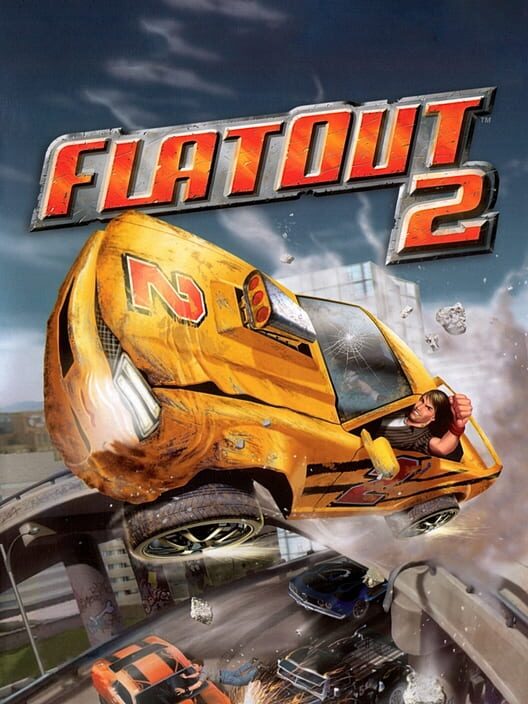
Released June 30, 2006 · Bugbear Entertainment
Experience the drive of your life as you throw yourself around on and off the track causing fences to shatter, tyre walls explode, water tanks and barrels fly across the track into other cars. And if anyone, including you, gets caught up in a big smash sit back and watch as the driver gets catapulted through the windscreen in spectacular effect. With over 5000 destructible objects on each track and 40 deformable pieces on every car sparks are guaranteed to fly increasing the mayhem with every lap! Featuring an enhanced version of the original's lauded physics engine and even faster driving track designs, FlatOut 2 also boasts a plethora of improvements, enhancements and additions to make this the definitive FlatOut experience. Twice as many vehicles, a more sophisticated career mode, additional race environments, double the number of tracks; twice as many mini-games along with many multiplayer modes (via LAN only) are just some of the exhaustive features that are included in FlatOut 2. - 34 vehicles to wreck, 12 rag-doll mini games, 60 track combinations, and thousands and thousands of destructible objects. - Enjoy the mayhem while listening to a slamming soundtrack from artists including Rob Zombie, Papa Roach, Fall Out Boy, Nickelback, Wolfmother and more! - Race hard and collide with up to 6 of your friends online in the souped up car of your dreams.
Steam · 22K reviews · 96% positive
IGDB · out of 100
The FlatOut 2 Lobby
Fixed bugs and localization issues
Fixed a bug where selecting a custom audio device would corrupt the config file. This caused either stretched menus, loading the wrong language, changing the resolution to 1280x1024, or a combination of them.If you were experiencing any of these issues, please re-run the configurator, set your opti…
Fixed configurator bug
Fixed a bug where selecting a custom audio device in the configurator would disable widescreen mode or reset the resolutionIf you have previously experienced this bug, you need to run the configurator and apply your settings again.
Fix crashes and bugs
Fixed crashes on some resolutions such as 1680x1050 and 1366x768Fixed some misaligned fontsNote: If you're getting blurry text, go in the in-game options, select Texture Quality and set it to Very High
via Steam